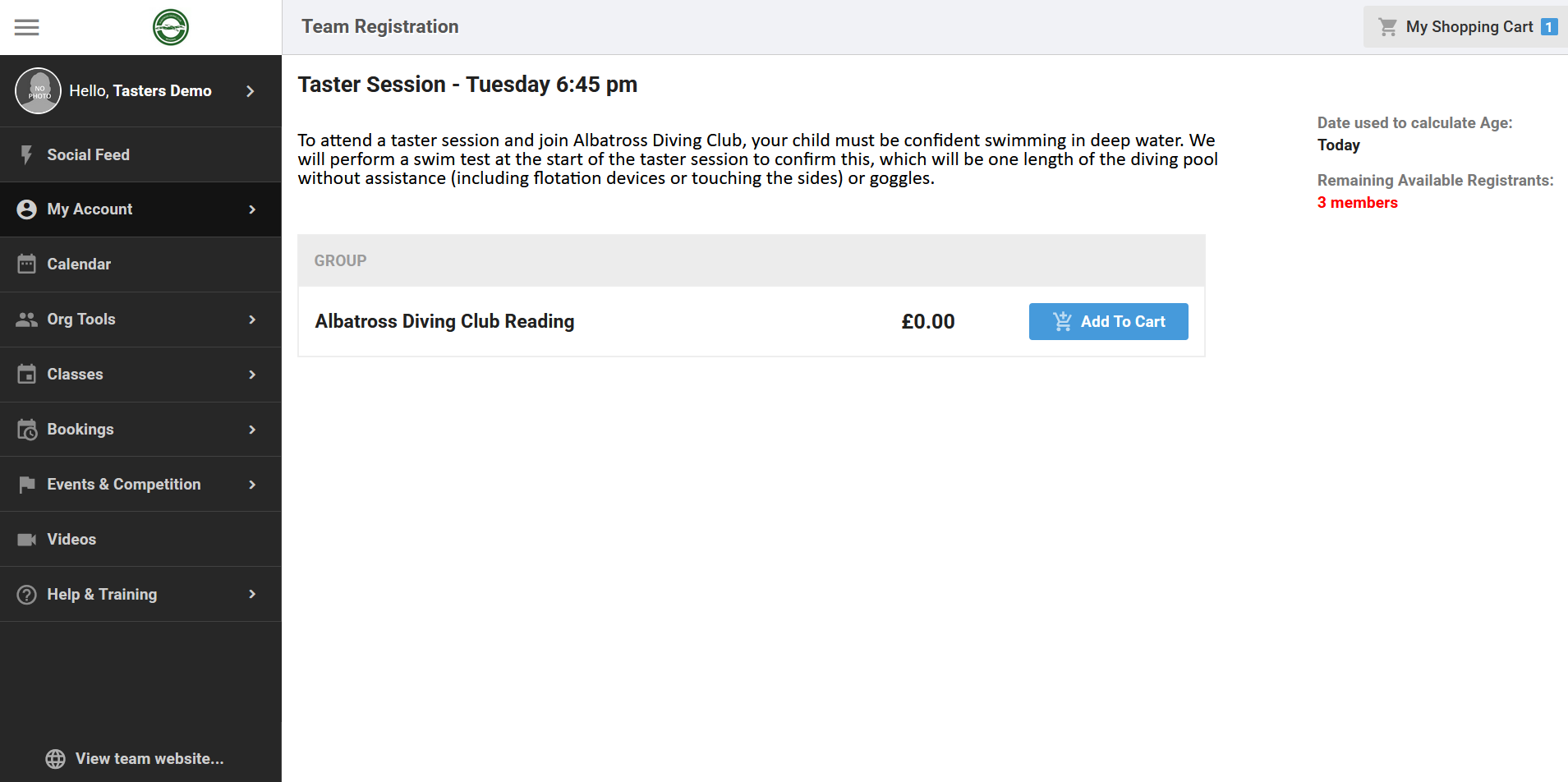
Book a Free Taster Session
Step 1 — Navigate to SportsEngine Motion
Albatross Diving Club is using SportsEngine (SE) Motion to handle our memberships. To book a taster, you must be registered in SE Motion for insurance purposes. Please register for free using the link below:
https://uk.gomotionapp.com/team/albatrossdiving/page/team-registration

Step 2 — Create an SE Account
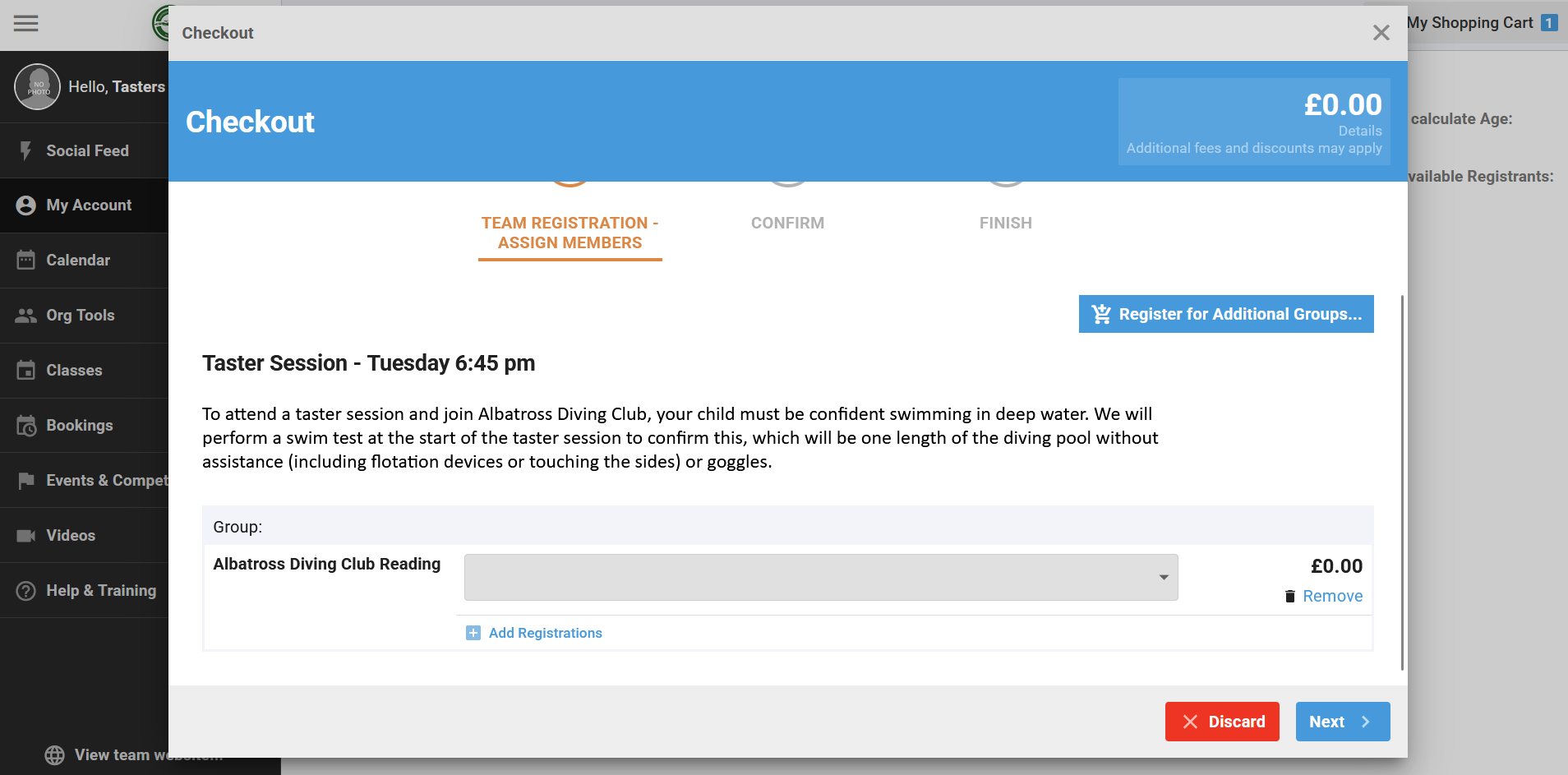
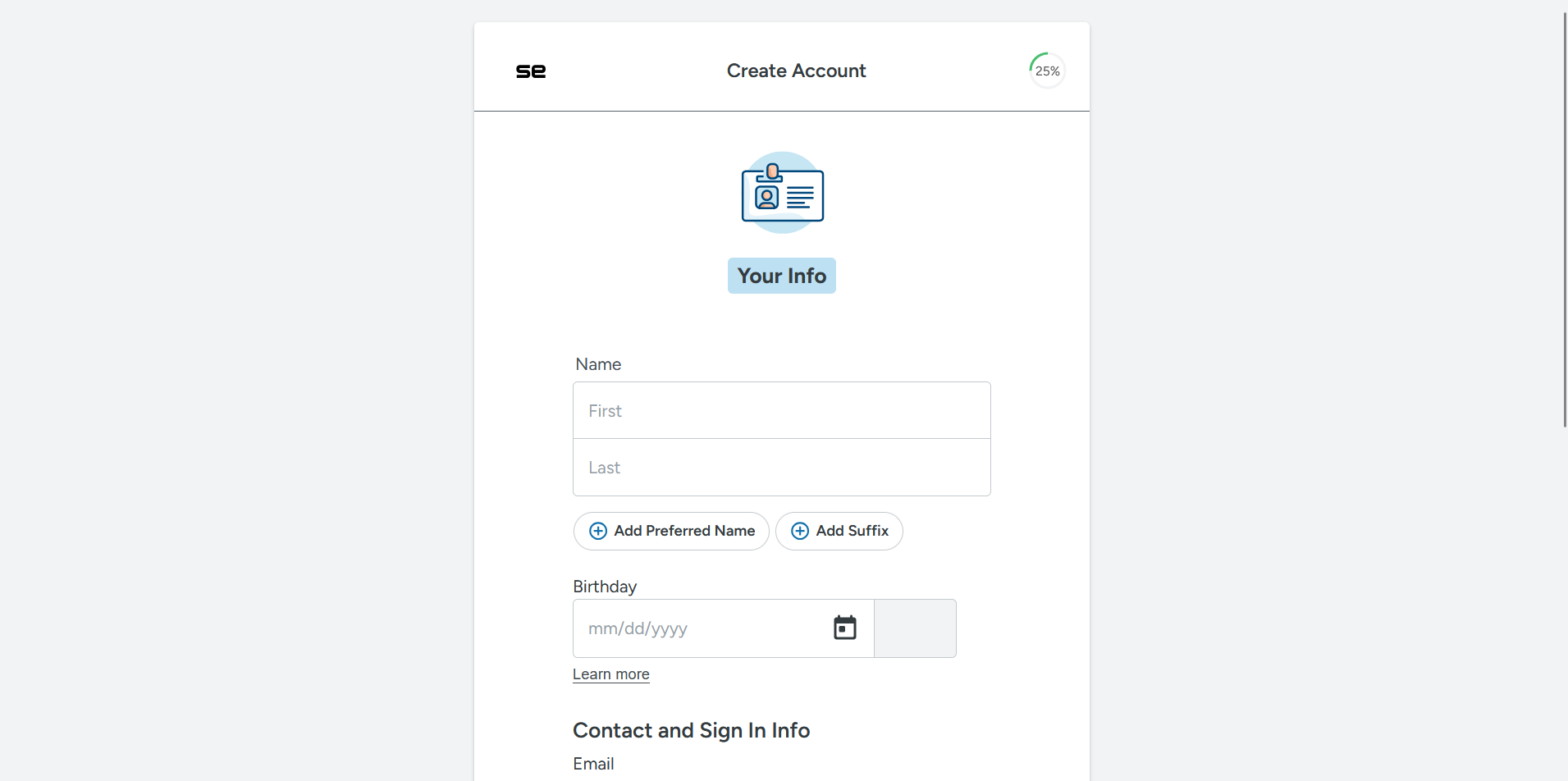
Select “Add To Cart”, then go to Checkout. This will prompt you to sign in or create an account. If you have not set up an account with SE Motion before, follow the steps to create an account.
After filling in the form with your own details, you will receive an email to verify the account. Following this link will take you to the next step.
Step 3 — Add Account Details
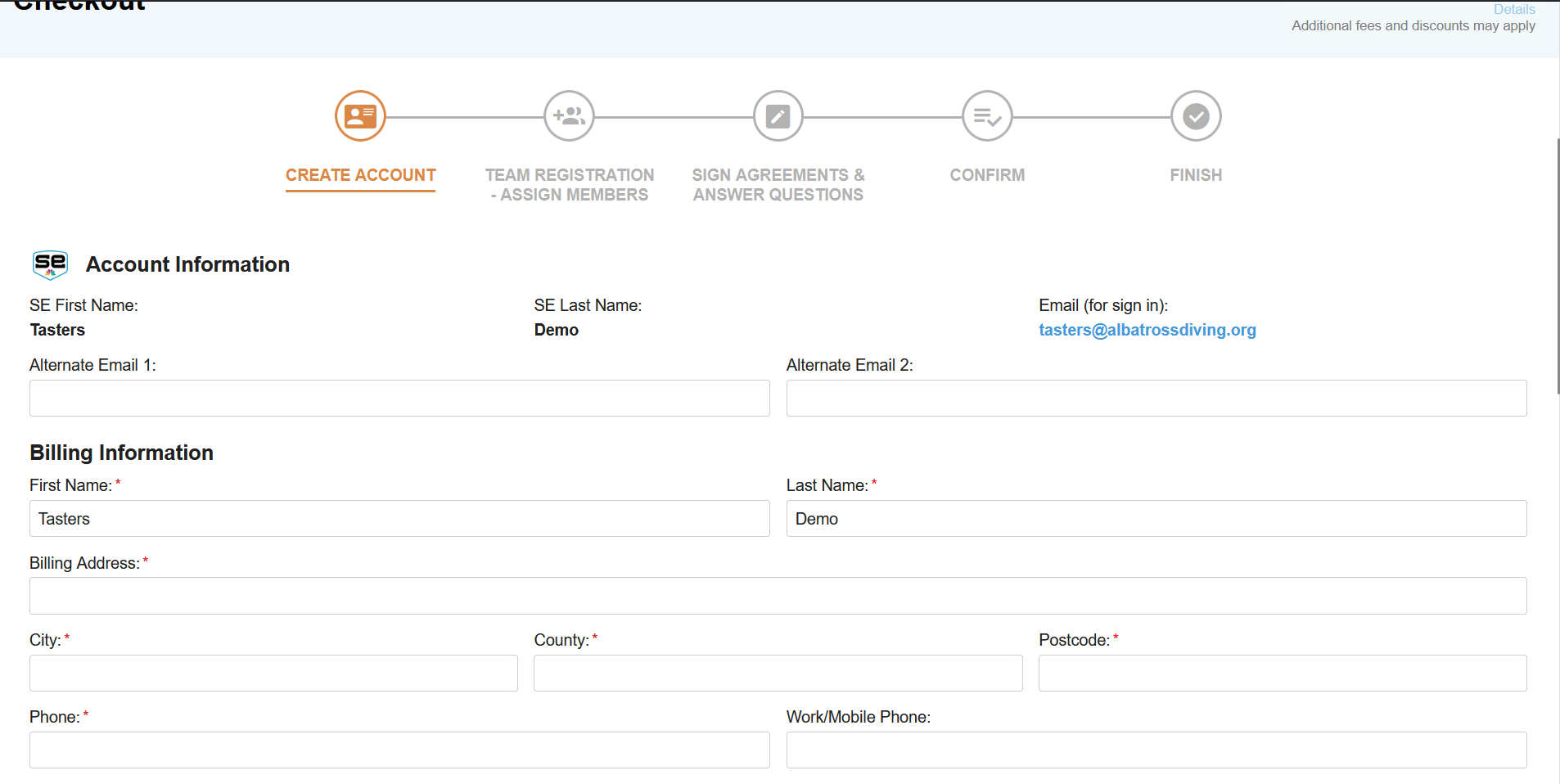
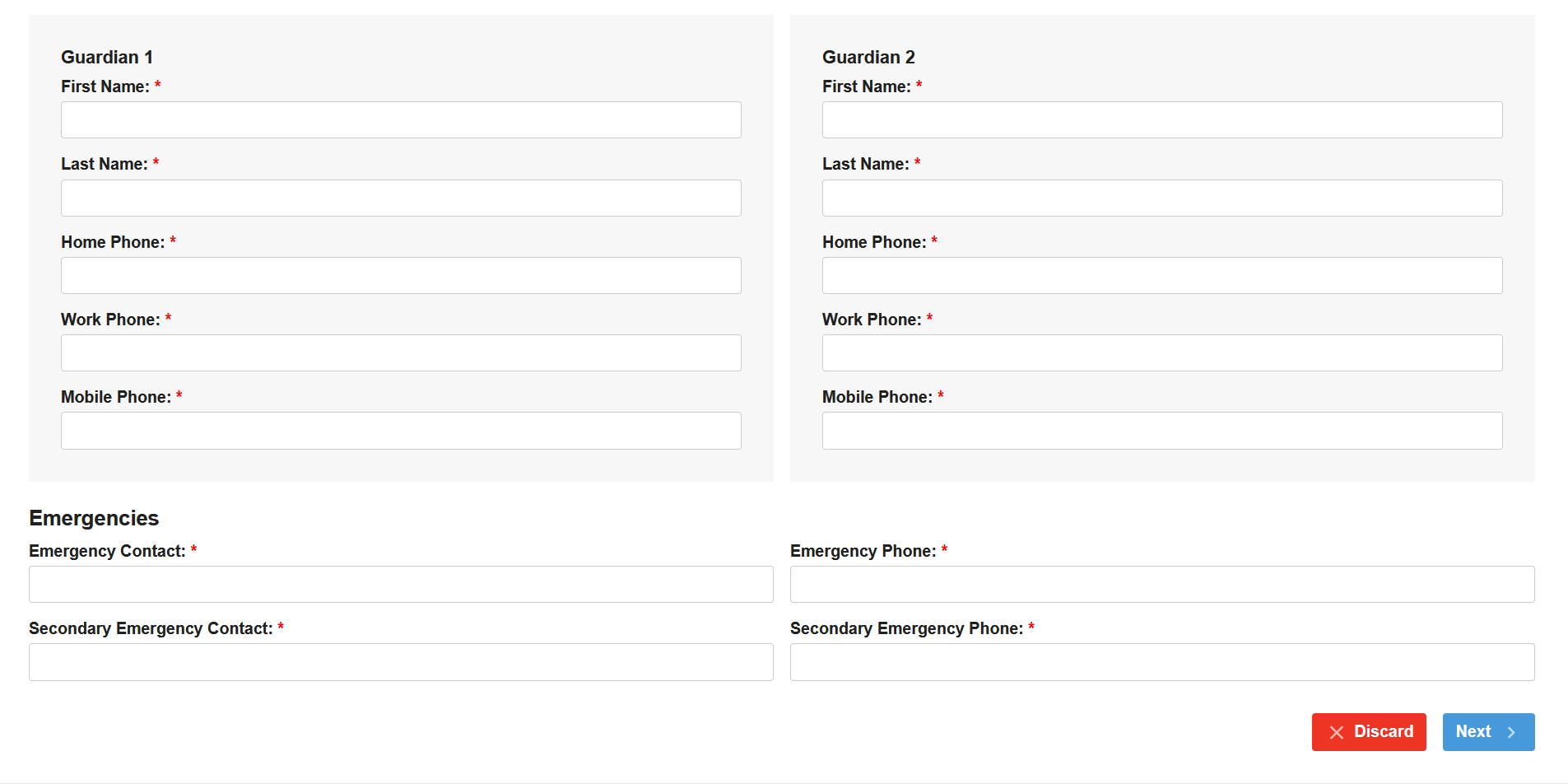
This first section is for you to set up an Account, so please fill in this section with your own details.
When it comes to guardians, you can use your own details again where appropriate.
Step 4 — Add Members
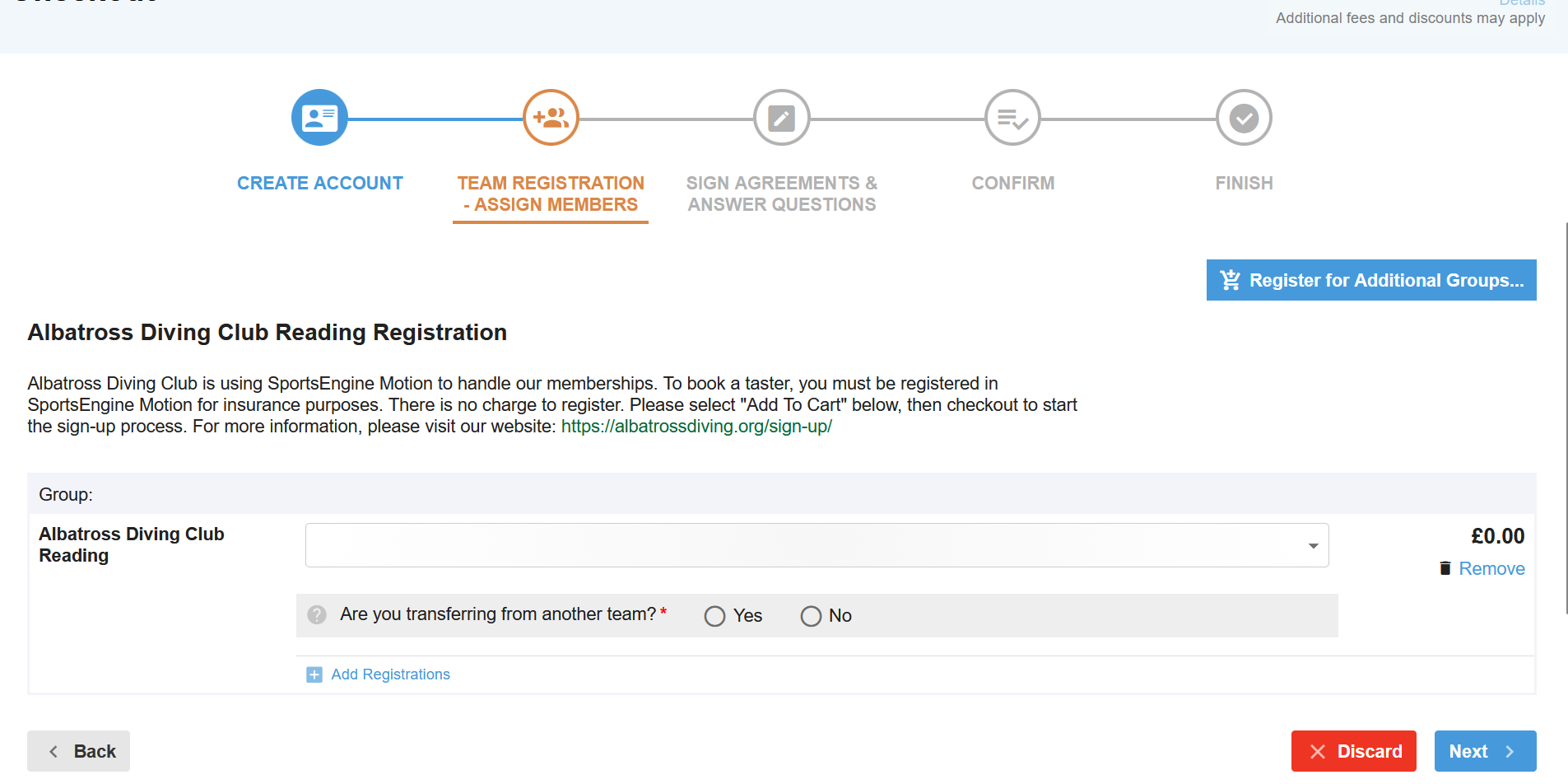
The next section is for adding members, which will be the details of the person or people partaking in the session.
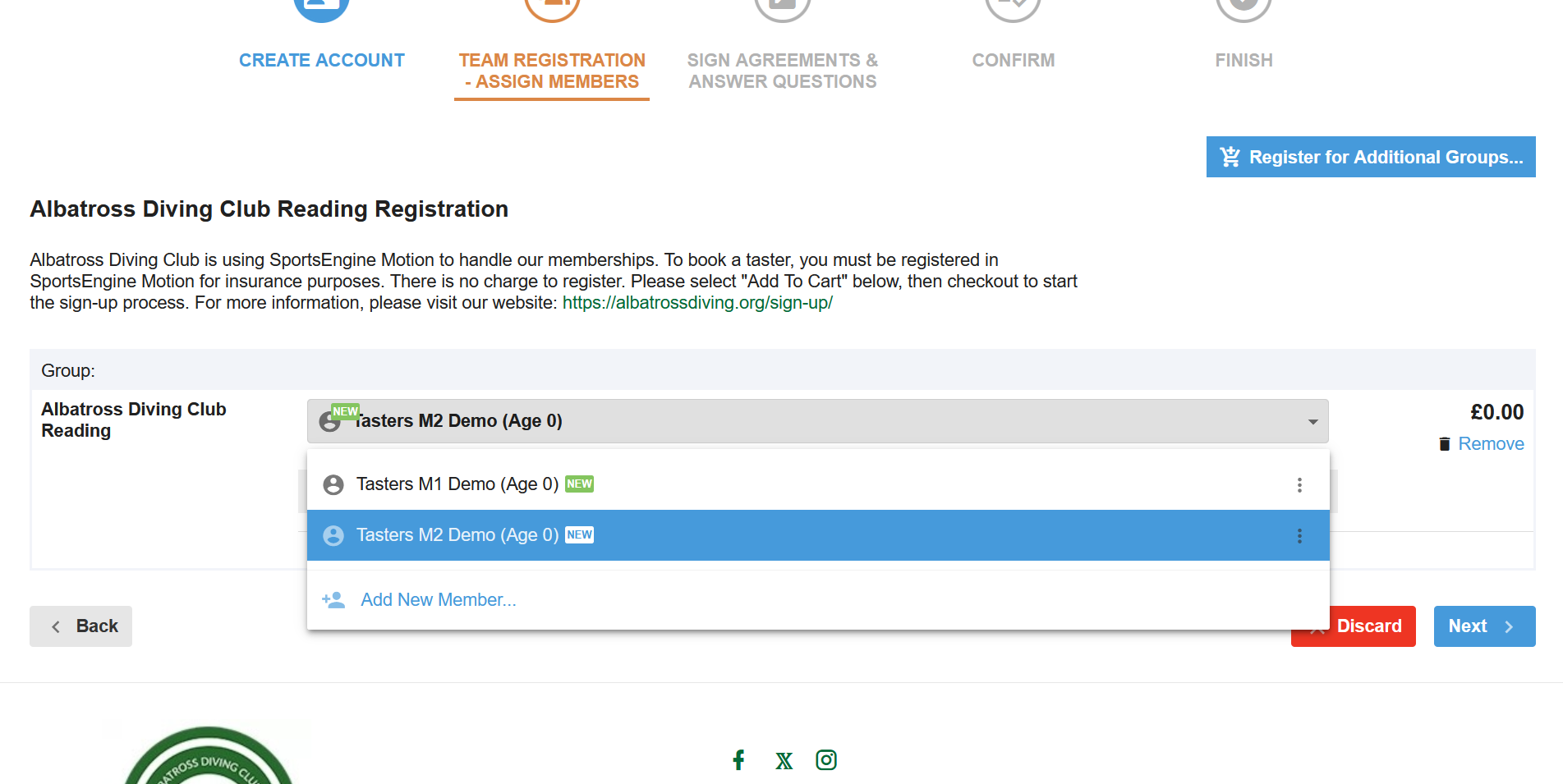
Parents registering children should add the child’s details here. If you have multiple children to sign-up for a taster session, please select the drop-down again and “Add New Member” for each additional child.
Adult enquirers should use their own details when signing themself up for a taster session.
Step 5 — Confirm
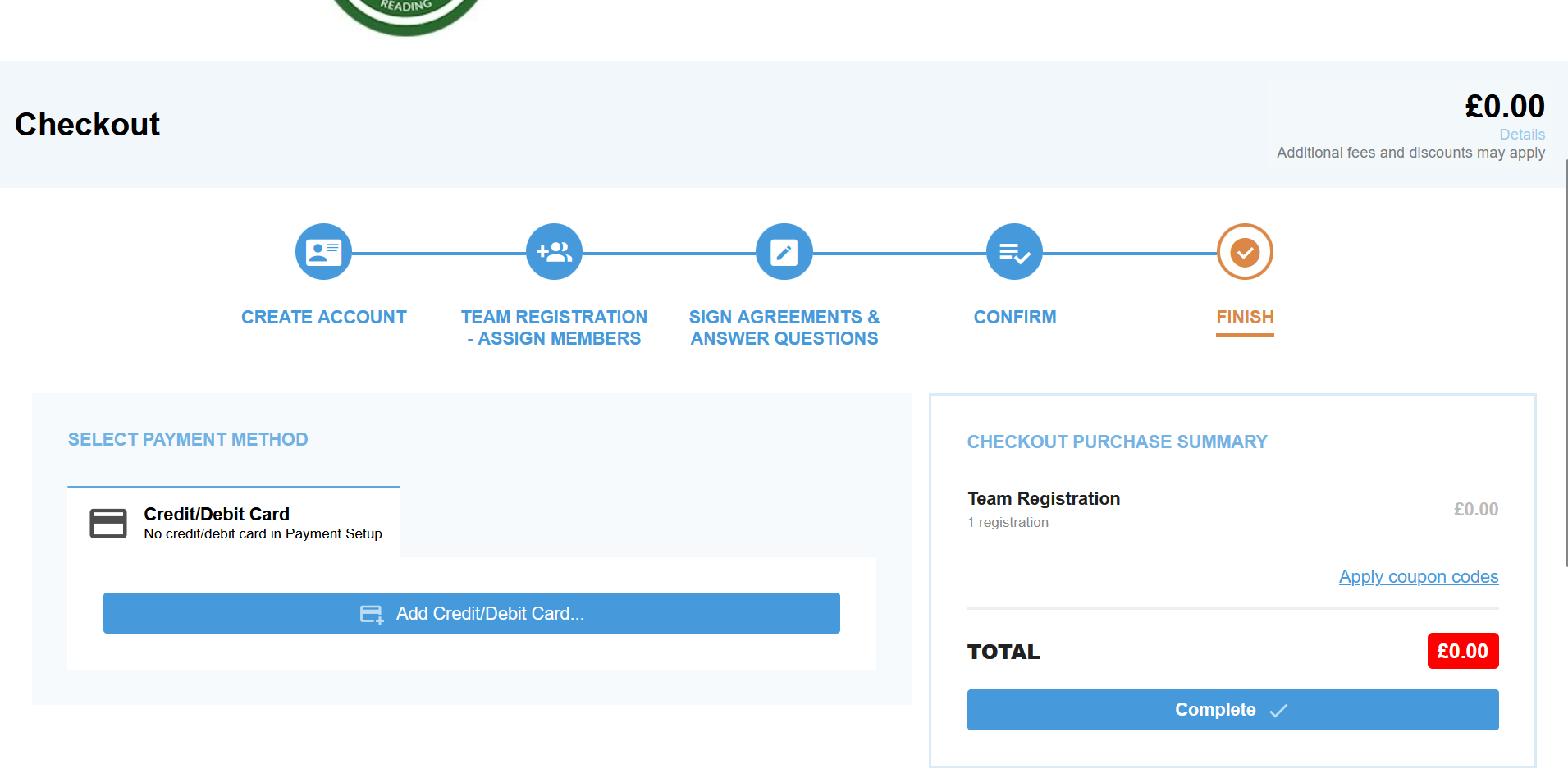
At this stage, you can optionally add your card details. You do not need to for a taster, but this will need to be added later before you can attend any additional sessions.
Step 6 — Choose a Taster Session
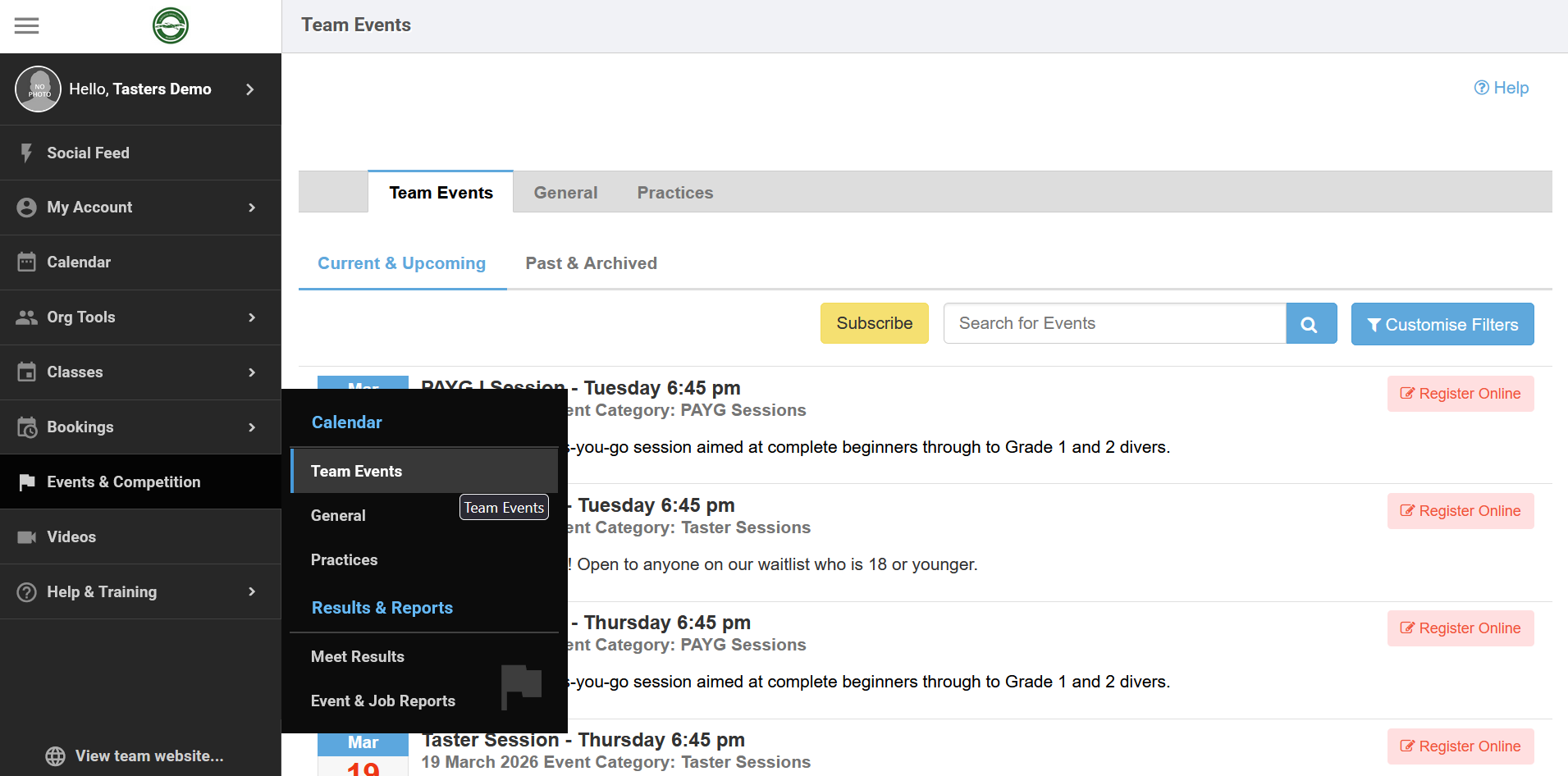
Now that you are successfully registered, you can book a taster session. These can be found using the link below and you will receive weekly reminders to check this list for available sessions:
https://uk.gomotionapp.com/team/albatrossdiving/controller/cms/admin/index#/calendar-team-events
To filter for Taster Sessions only, click:
- Customise Filters
- Event Category
- Taster Sessions (or Adult Taster Sessions)
- Done
You can then Register Online for whichever session you would like to attend. Adult Taster Sessions will be titled as such and may not be offered every week. We will email adults on our waitlist when these sessions become available.
We typically offer several sessions throughout every week.
Step 7 — Book a Taster Session
Add the desired taster session to your cart, then checkout to book the session. You can add multiple members from the dropdown, if you want to signup multiple children for the same session.
After confirming the booking, you will receive a confirmation message with further details for the session. We look forward to seeing you there!